AI for yoga teachers
Five reusable AI skills for turning class notes, training records and reflections into teaching material.
- Reconstruct a class
- Write a teacher bio
- Reflect on teaching
Draft announcements, build question banks and review course materials in one teaching workspace.
Course preparation is a chain of small jobs: organizing sources, drafting pages, building questions and checking an exam. This toolkit gives each job a focused set of instructions and a clear review step.
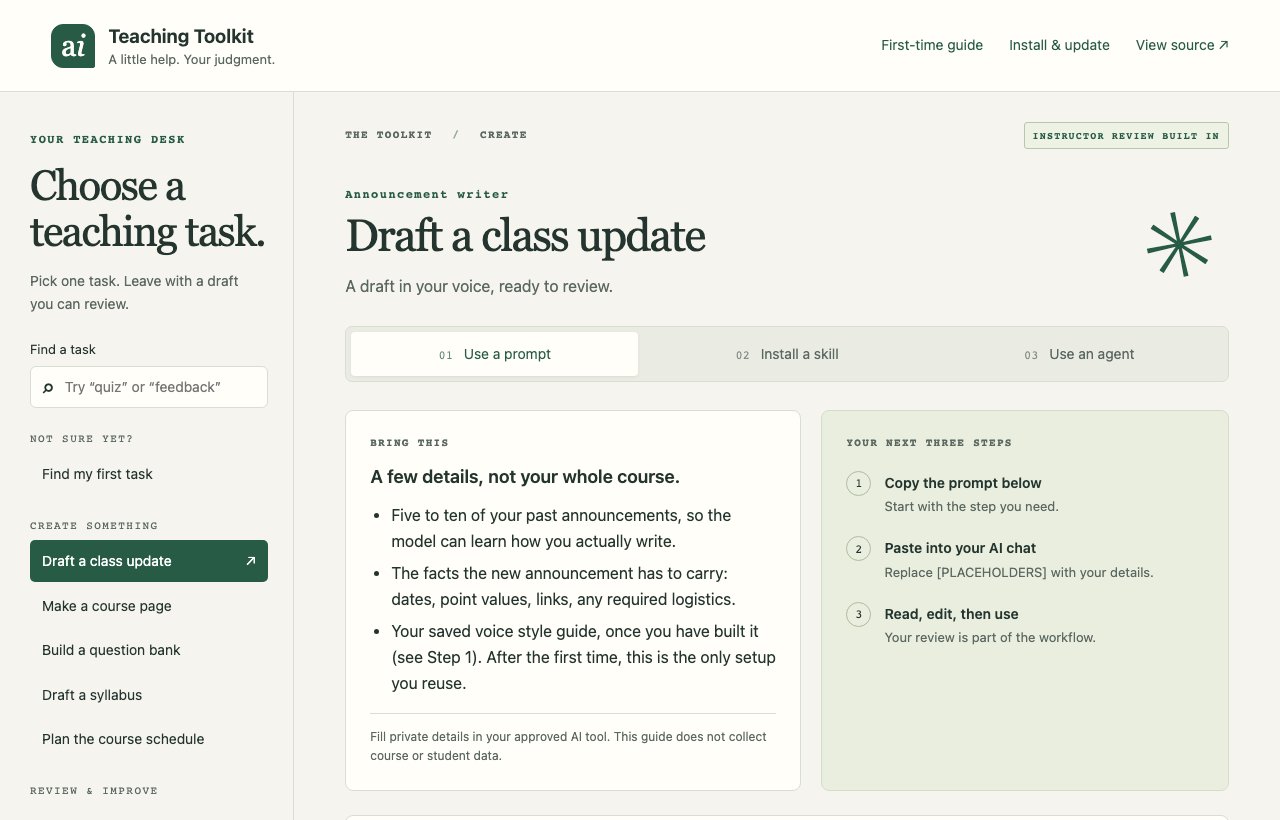
Split a vague “AI for teaching” idea into discrete jobs with reusable instructions and required human review.
Workflow decomposition · information architecture · AI product safety · educator UX
Student-facing material has to stay reviewable, source-aware and appropriate for institutional use.
Open the visual guide and choose an announcement, course page, quiz, syllabus or feedback task.
Copy the instructions into your AI assistant and provide the smallest relevant input. No code or installation is needed for this route.
Verify dates, policy, calculations, citations and accessibility. You approve every final artifact.
The guide copies prompts and downloads instructions. It does not run an AI model or process student submissions. Keep identifiable records in institution-approved systems.
Looking for updates or portable downloads? Get the latest source and updates.
Five reusable AI skills for turning class notes, training records and reflections into teaching material.
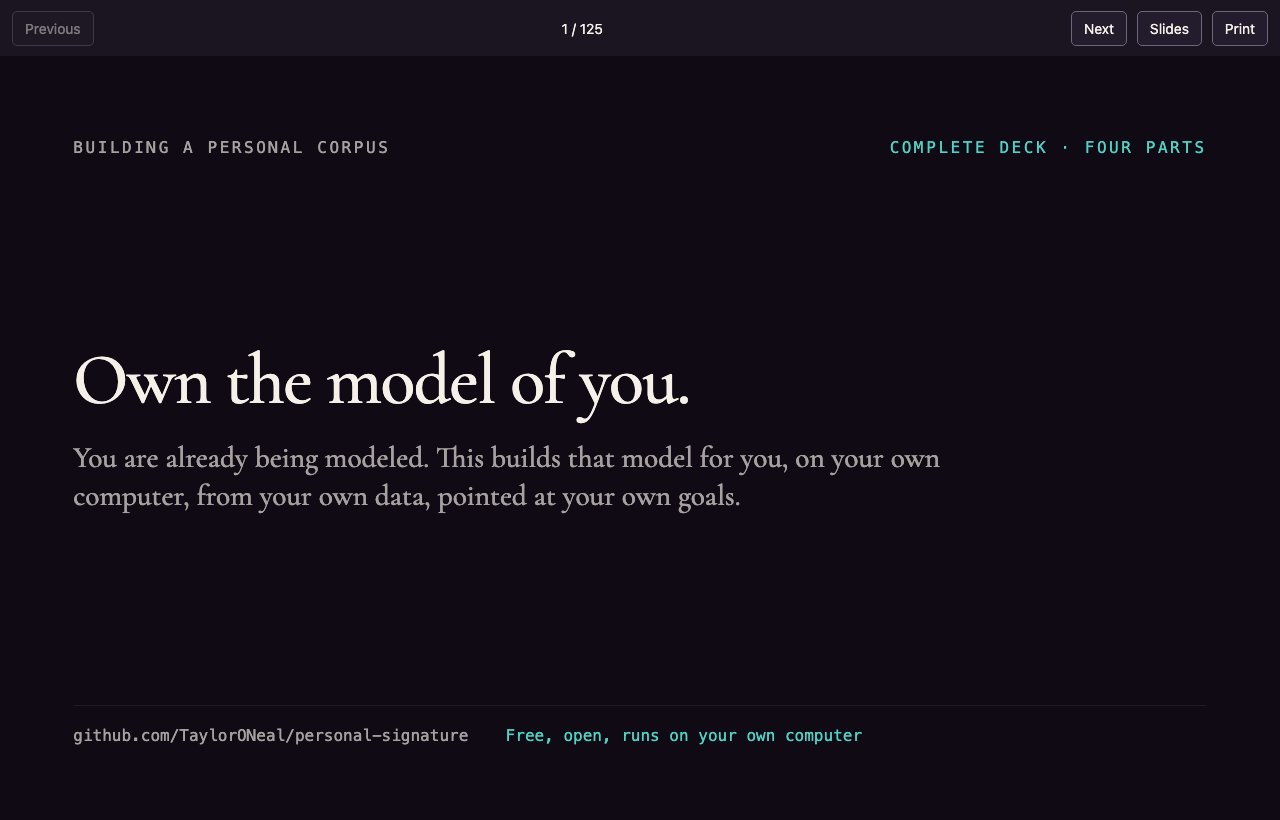
Turn your own writing and listening history into an evidence-based profile of your interests and voice.